

To create a crypto wallet, choose the wallet type you want (software or hardware), set it up using the official app or device, then secure it with your seed recovery phrase plus protections like a PIN and two-factor authentication (2FA). The exact clicks vary by wallet, but the core idea stays the same: a wallet lets you control crypto addresses and approve transactions on a blockchain.
This matters because self-custody gives you control, but it also makes you responsible for security. The trade-off is simple, you can’t rely on a bank or “reset password” flow if your seed phrase is lost or exposed.
Key Takeaways
- A crypto wallet controls access: It stores your keys (or helps manage them) so you can send, receive, and manage crypto.
- Hot vs cold is mainly about internet exposure: Hot wallets are convenient; hardware (cold) wallets reduce online attack surface.
- Your seed phrase is the master backup: Anyone with it can typically take your funds, so protect it like cash.
- Transfers require accuracy: Test with a small amount first, verify the network, and double-check the address every time.
A crypto wallet is software or a physical device that manages the cryptographic keys used to access and move cryptocurrency on a blockchain. Your crypto does not “sit” inside the wallet like dollars in a bank account.
Instead, the blockchain records balances, and your wallet lets you prove you’re authorized to move funds by signing transactions with a private key.
Most consumer wallets give you:
- A public address: Like an account number you can share to receive crypto.
- A private key: The secret that authorizes spending.
- A seed recovery phrase (seed phrase): A list of words that can regenerate your private keys if you lose your device.
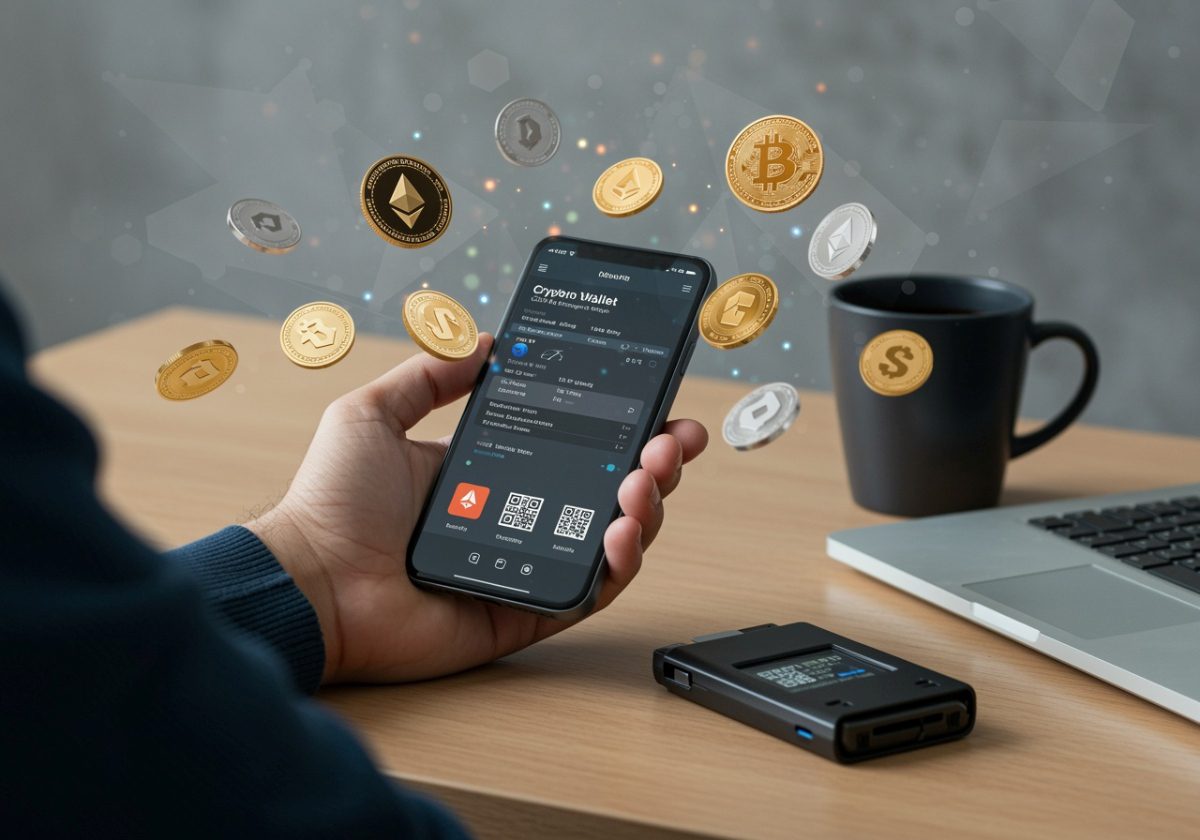
Unlike bank deposits, crypto held in a self-custody wallet is generally not protected by deposit insurance. The FDIC explains that deposit insurance covers bank deposits at insured banks, not investment products or crypto holdings in general, which is a key difference in risk for consumers using self-custody: see FDIC deposit insurance basics.
Should you choose a hot wallet or cold storage option?
You should use a hot wallet for convenience and smaller, everyday balances, and choose cold storage (a hardware wallet) for larger balances or long-term holding where reducing online exposure matters most. What actually matters here is your risk profile: how often you move funds, and how painful it would be to lose what’s in the wallet.
“Hot” wallets connect to the internet (phone apps, browser extensions, desktop wallets). “Cold” storage is designed to keep keys offline, typically using dedicated hardware wallets like the Trezor.
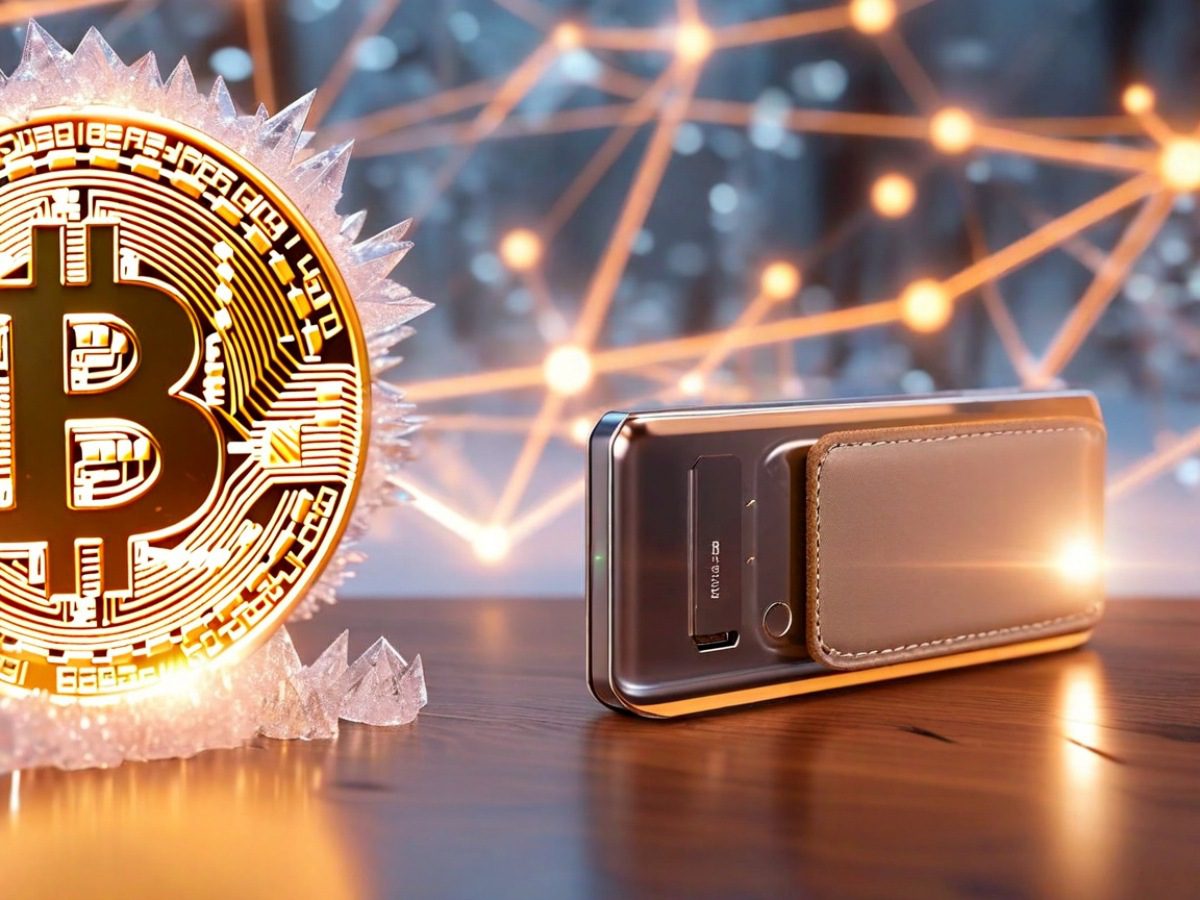
A quick way to decide:
- Hot wallet (software): Best for convenience, smaller balances, and frequent transactions.
- Cold wallet (hardware): Often preferred for larger balances or long-term holding where you want fewer online exposures.
Cold storage can reduce certain risks (like malware on your computer reading a private key), but it does not eliminate risks. You can still lose funds through phishing, sending to the wrong address, or exposing your seed phrase.
How do you set up a software wallet step by step?
You set up a software wallet by installing it from an official source, creating a new wallet, saving the seed phrase offline, then enabling basic protections like a passcode and (when available) 2FA. In practice, most problems happen at install time (fake apps) or backup time (seed phrase stored digitally).
Software wallets vary, but finding the best beginner-friendly crypto wallets is usually the first step to securing your digital assets. Many reputable platforms offer standalone wallet apps that provide a balance of features and security:
| Wallet | Supported Coins | Swap Fee | Learn More |
|---|---|---|---|
| Coinbase Wallet | +3,000 | 1% | Read Review |
| Kraken Wallet | +2,000 | 0%
Users still need to pay blockchain network fees (gas fees) and potential liquidity provider fees when swapping assets |
Read Review |
Setup usually follows the same pattern:
- Pick a reputable wallet and install it from an official source: Use the wallet’s official website or your phone’s official app store listing. Avoid lookalike ads and unofficial downloads.
- Create a new wallet: The app will generate a new set of keys.
- Write down the seed recovery phrase offline: Most wallets show 12 or 24 words and make you confirm them. Do not store this phrase in email, notes apps, or cloud storage.
- Set a strong device passcode and wallet password (if offered): Use a unique password and enable biometrics if you’re comfortable with it.
- Enable 2FA where applicable: Some wallets and most exchanges support 2FA. Prefer an authenticator app over SMS when you have the choice.
- Verify you can receive funds: Copy your receiving address from the wallet and make sure it matches after pasting (malware can alter clipboard contents).
As NerdWallet notes in its crypto wallet overview, wallet choice often comes down to custody and security tradeoffs, especially for beginners: how crypto wallets work, according to NerdWallet.
How do you set up and secure a hardware wallet?
You set up a hardware wallet by buying it from a trusted source, initializing it to generate a seed phrase, storing that phrase securely offline, then using a PIN and firmware updates to reduce the chance of theft or tampering. The mistake most people make is treating the device as the “vault,” when the seed phrase is the real master key.
Hardware wallets are physical devices that store keys in a way designed to keep them offline. Setup varies by manufacturer, but generally:
- Buy from the manufacturer or authorized retailer: Avoid used devices or marketplaces where tampering risk is higher.
- Initialize the device and create a new wallet: The device generates the seed phrase during setup.
- Write down the seed phrase on paper (or a dedicated backup medium): Store it somewhere private and secure. Do not photograph it.
- Set a PIN on the device: This helps protect the device if it’s stolen.
- Update firmware using official software: Only use the vendor’s official app and instructions.
- Test receiving and sending with a small amount: Confirm you can receive, then send a small test transaction before moving larger sums.
Hardware wallets are not magic vaults. If someone gets your seed phrase, they can typically restore the wallet elsewhere and access your funds.
What are private keys and seed recovery phrases, and why do they matter?
Private keys authorize spending, and seed recovery phrases are the backup that can recreate those keys, so whoever has your seed phrase can usually control your funds. That’s why the seed phrase deserves more protection than your phone or your laptop.
Your private key authorizes spending. Your seed recovery phrase is usually a human-readable backup that can recreate the private keys.
In practical terms:
- Lose your device but still have the seed phrase: You can restore access.
- Lose the seed phrase: You may permanently lose access if your device fails or is lost.
- Someone else gets your seed phrase: They can often drain your wallet.
For many consumers, the seed phrase is the single most important piece of information connected to a self-custody wallet. Treat it as “whoever has this controls the funds.”
What essential security steps help protect crypto assets?
The best security steps are the ones that prevent seed phrase exposure and reduce irreversible mistakes like sending on the wrong network. You don’t need a complicated setup, you need consistent habits.
Crypto security is mostly about preventing two events: theft and irreversible mistakes. These steps help with both:
- Keep your seed phrase offline: Do not store it in screenshots, cloud drives, or email.
- Use a clean device: Avoid installing wallets on devices with unknown apps, pirated software, or malware risk.
- Watch for phishing: Double-check URLs and app names. Many losses happen through fake support messages or cloned sites.
- Verify addresses and networks: A correct address on the wrong network can cause loss or complicated recovery.
- Use small test transactions: Especially when sending to a new address for the first time.
- Separate “spending” and “savings”: Many people use a hot wallet for small amounts and hardware cold storage for larger holdings.
If you use a custodial platform (like an exchange) for any part of your crypto activity, understand that protections differ from bank accounts. The Federal Trade Commission warns broadly about crypto-related scams and irreversible payments, which is relevant because crypto transfers are typically hard to reverse: FTC guidance on cryptocurrency and scams.
How do you transfer cryptocurrency to your new wallet safely?
You transfer crypto safely by using the correct receiving address on the correct network, then sending a small test transaction before moving the full amount. Save your transaction ID so you can track it if something looks delayed.
The mechanics depend on where your crypto is now (an exchange, another wallet, or someone else sending to you). Learning how to safely use a crypto wallet ensures your funds arrive without incident:
- Get your wallet’s receiving address: Copy it directly from your wallet app or hardware wallet software.
- Confirm the correct network: For example, sending tokens on one chain to an address on a different chain can lead to loss.
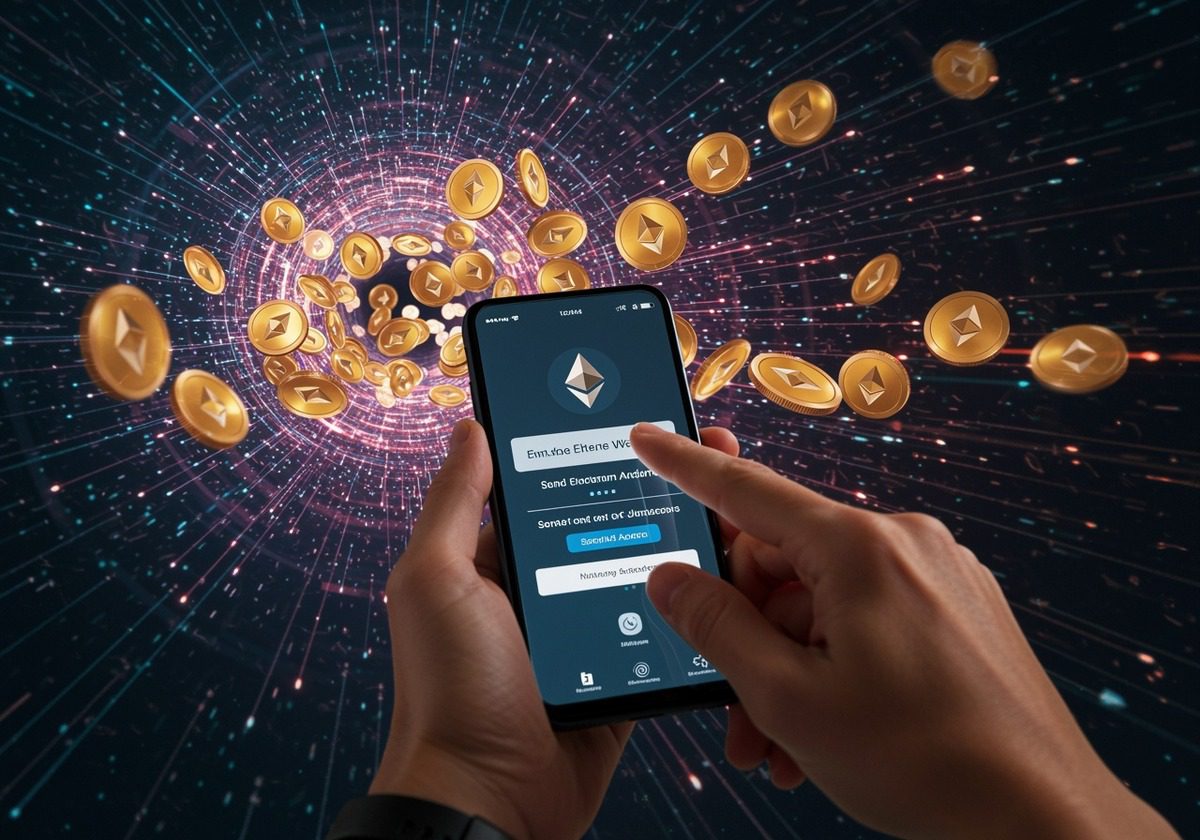
- Send a small test amount first: Confirm it arrives before transferring a larger balance.
- Complete the transfer and save the transaction ID: This helps you track it on a block explorer if needed.
- Wait for confirmations: Some networks and services require multiple confirmations before funds appear as available.
Bankrate’s crypto basics emphasize practical issues like volatility and risk that matter when deciding how much to keep in self-custody versus on a platform: Bankrate’s overview of cryptocurrency.
Non-custodial vs custodial wallets: which is better for beginners?
A custodial wallet is often easier for a true beginner, while a non-custodial wallet is better once you’re ready to manage your own backups and security. The key is being honest about what you’ll actually do: if you won’t protect a seed phrase properly yet, custody might be safer for now.
A simple way to think about it:
- Non-custodial wallet: You control the keys (and the seed phrase). This gives you control, but also full responsibility. If you lose the seed phrase, there’s usually no “forgot password” option.
- Custodial wallet: A company controls the keys on your behalf (common with exchanges). Understanding the custodial vs non-custodial wallet differences is vital before deciding where to hold your assets.
| Exchange | Trading Fee | Supported Coins | Learn More |
|---|---|---|---|
| Gemini | $0.99 - 1.49% (Web & Mobile), 0.20% - 0.40% (Active Trader)
For Gemini’s website or mobile app users are charged 0.50% convenience fee For Active Trader, 0.40% for taker trades and 0.20% for maker trades. The more you trade, the lower the fees - can decrease to as low as 0% - 0.03%. |
+150 | Read Review |
| Coinbase | $0.99 - 2.00% (Standard), 0.05% - 0.60% (Advanced Trade)
For transactions above $200 (standard account): 1.49% fee for using a bank account or USD wallet, 3.99% fee for using a debit or credit card. For Coinbase Advanced Trade: 0.60% for taker trades and 0.40% for maker trades. The more you trade, the lower the fees - can decrease to as low as 0% - 0.05%. |
+250 | Read Review |
| Kraken | 0.40% - 0.25%
0.40% for taker trades and 0.25% for maker trades. The more you trade, the lower the fees - can decrease to as low as 0% - 0.10%. Using GT tokens to pay trading fees offers a 10% discount |
+300 | Read Review |
Many beginners start with custodial wallets for simplicity, then move some funds to non-custodial storage as they get more comfortable with security and backups. There is no universal best choice, but it’s crucial to know which model you’re using before you deposit funds.
What are the most common first-wallet mistakes, and how do you back up safely?
The most common first-wallet mistakes are storing the seed phrase digitally, trusting fake support, and skipping a small test transfer before moving real money. If you fix those three, you’ll avoid a huge share of preventable losses.
Common mistakes include:
- Not writing down the seed phrase correctly: Misspelled words or wrong order can make recovery impossible.
- Saving the seed phrase digitally: Screenshots and cloud notes can be exposed in hacks or device compromises.
- Falling for fake support: No legitimate wallet provider needs your seed phrase to “help.”
- Skipping a test transaction: One wrong character in an address can send funds to the wrong place.
- Keeping all funds in a single wallet: Concentration increases the impact of any one failure.
Safer backup habits:
- Create two offline copies of your seed phrase: Store them in separate secure locations.
- Consider a durable backup medium: For example, something resistant to fire or water, if your risk tolerance and holdings justify it.
- Do periodic recovery checks: Without exposing your phrase, confirm you know where it is and that it’s readable.
The Bottom Line
Creating a crypto wallet is straightforward, but securing it is where most of the work is. Choose hot vs cold storage based on how often you transact and how much risk you’re comfortable managing.
Before moving significant funds, lock down your seed phrase, verify networks and addresses, and test transfers with small amounts first.
Read More
