


Table Of Content
Is It Difficult To Buy Stocks on E*TRADE?
Buying stocks on ETRADE is user-friendly, especially with their intuitive platform designed for investors of all levels.
Whether you're new to investing or have some experience, ETRADE makes the process straightforward but does have a variety of options that can initially feel overwhelming.
No Commission Fees: E*TRADE offers commission-free trading on stocks, which reduces the cost of buying and selling.
Variety of Trading Tools: From basic trades to advanced features, E*TRADE provides options for both beginners and more experienced traders.
Educational Resources: For newcomers, E*TRADE provides educational resources and webinars to get familiar with stock trading.
While there are tools to help make the process smoother, understanding the different order types and account options is essential for executing successful trades.
How to Trade Stocks Using E*TRADE’s Platform
E*TRADE’s platform is designed to serve both beginner and advanced investors, offering various tools to efficiently place stock trades. Let’s break it down:
1. Explore the Stock Asset and Its Context
Before placing any stock trade, it’s important to consider the overall context and performance of the stock. E*TRADE allows you to dive deep into company data.
Use E*TRADE's Stock Screener: E*TRADE has a powerful stock screener that filters stocks based on performance, dividend yield, market cap, and more.
Market Data Access: Real-time data including stock performance, volume, and detailed charts are available to help investors make informed decisions.
Research Tools: Analyst reports and third-party insights are accessible, helping you make educated decisions.
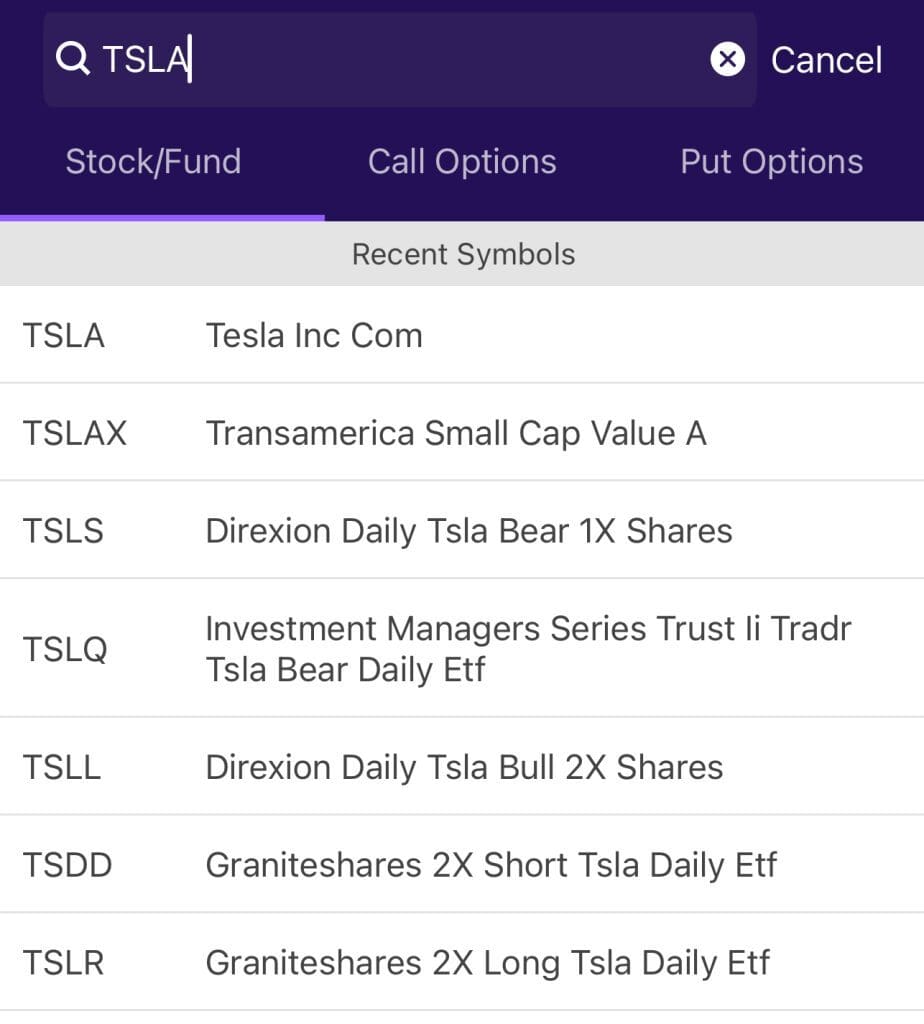
For example, if you’re considering buying Tesla stock, check its real-time chart, sector performance, and research notes on electric vehicle trends to ensure it aligns with your strategy.
2. Match Your Stock Trade to Your Strategy
Each trade should align with your investment goals, whether that’s for short-term gains or long-term wealth building. This ensures that your trades support your broader financial plan.
Set Portfolio Limits: Define what percentage of your portfolio will be allocated to stocks, helping to manage risk.
Determine Your Trade Purpose: Understand the rationale behind your trade. Is it for capital appreciation, dividends, or to hedge other investments?
Risk Analysis: Use E*TRADE's volatility metrics to assess the potential risk associated with your stock choices.
By connecting each trade to your overall strategy, you’ll have a better chance of sticking to your long-term goals, especially when market fluctuations occur.

3. Place a Stock Trade on E*TRADE’s Platform
E*TRADE’s platform makes it easy to place trades, whether you’re using the website or mobile app. The process is intuitive once you get the hang of it.
Search and Verify Stock Details: Input the ticker symbol (e.g., “GOOG” for Alphabet) and verify stock details, such as the current price and bid/ask spread.
Use Limit and Market Orders: E*TRADE offers both limit and market orders. A limit order ensures you pay a specific price or better, while a market order buys at the current market price.
Preview and Execute: Review the stock trade details, including commission (if any) and share quantity, before confirming your trade.
With these options, you can be sure your trades align with your strategy and market conditions, ensuring greater control.
4. Monitor and Manage Your Stock Holdings
Once you’ve made your trade, monitoring and managing your stock investments is crucial. E*TRADE’s tools make it easy to track and adjust your portfolio.
Use Limit Orders: By using limit orders, you can avoid paying more than your set price, especially in volatile markets.
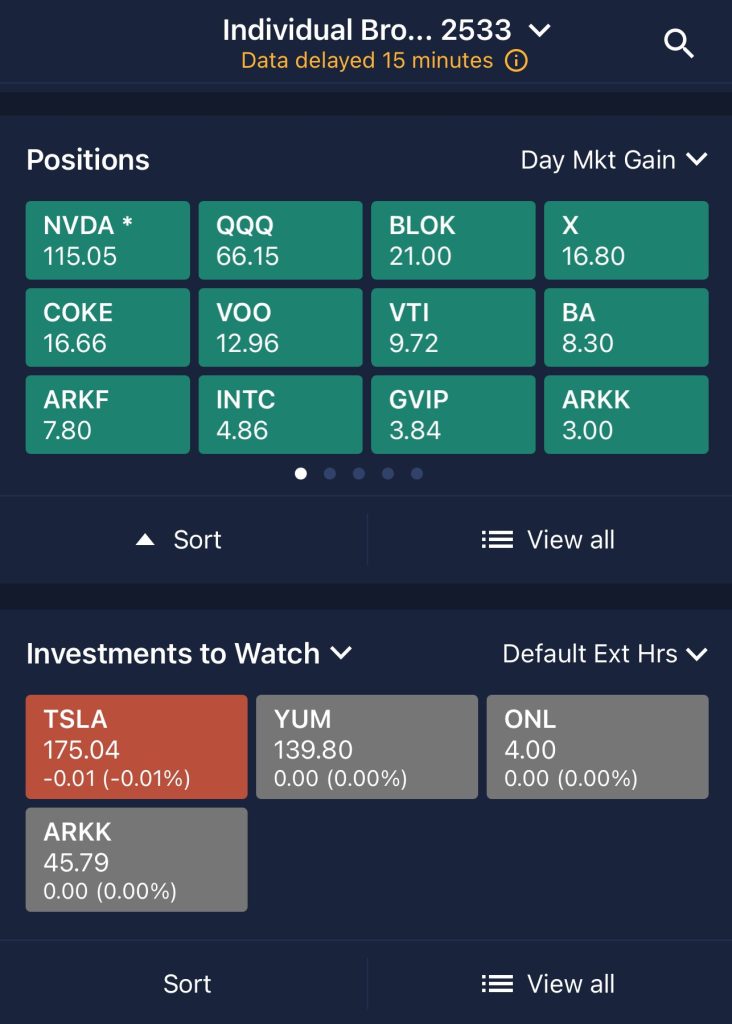
Track Performance: E*TRADE’s portfolio management tools offer a comprehensive view of your holdings, including performance, dividends, and stock changes.
Stay Updated with Alerts: E*TRADE’s alerts notify you of stock price changes, news, and earnings reports to keep you informed.
Tracking your portfolio regularly ensures that you’re on track with your investment strategy, avoiding costly mistakes.
Using E*TRADE's Margin Accounts for Stock Trading
A margin account allows you to borrow money from E*TRADE to buy more stocks than your account balance would otherwise allow. This can increase your potential for higher returns but also introduce more risk.
Leverage Your Investments: Margin accounts allow you to borrow funds to amplify your stock purchases. For example, if you have $1,000 in your account, you may be able to borrow an additional $500 to increase your buying power.
Interest on Borrowed Funds: E*TRADE charges interest on the amount borrowed, so it’s essential to factor in the margin interest cost when making decisions.
Margin Calls: If your stock holdings lose value and your equity falls below a certain threshold, E*TRADE may require you to deposit additional funds or sell some of your assets.
While margin accounts can enhance your trading capacity, they require careful risk management to avoid significant losses.
Use E*TRADE’s Mobile App for On-the-Go Trading
For traders who prefer to manage their investments on the go, E*TRADE’s mobile app offers a comprehensive set of features that allow you to trade stocks, track market trends, and stay updated with your portfolio anytime, anywhere.
Trade Anywhere: Use Etrade's day trading features to place stock trades, set limit orders, and monitor your portfolio from the palm of your hand.
Real-Time Alerts: Receive notifications about price changes, earnings reports, and market news to make timely decisions while away from your desktop.
Research and Tools: Access E*TRADE’s stock screeners, charts, and news directly from your mobile device, so you can make informed decisions even on the move.
The mobile app offers a flexible solution for investors who want to stay connected with their investments and manage trades while away from their computers.
Buying Stocks on E*TRADE: Smart Investor Tips
To get the most out of your E*TRADE stock trading experience, consider these strategies:
Use Limit Orders: These orders give you more control over the price you pay, minimizing unexpected price changes.
Diversify Your Portfolio: E*TRADE provides access to stocks, bonds, and ETFs—diversifying helps reduce risk.
Set Alerts for Important Events: Use alerts to stay updated on your stock’s performance and market changes, ensuring you don’t miss key opportunities.
By incorporating these smart strategies into your trading routine, you’ll be better prepared to navigate the markets with confidence.